
 The Rentkar Journal
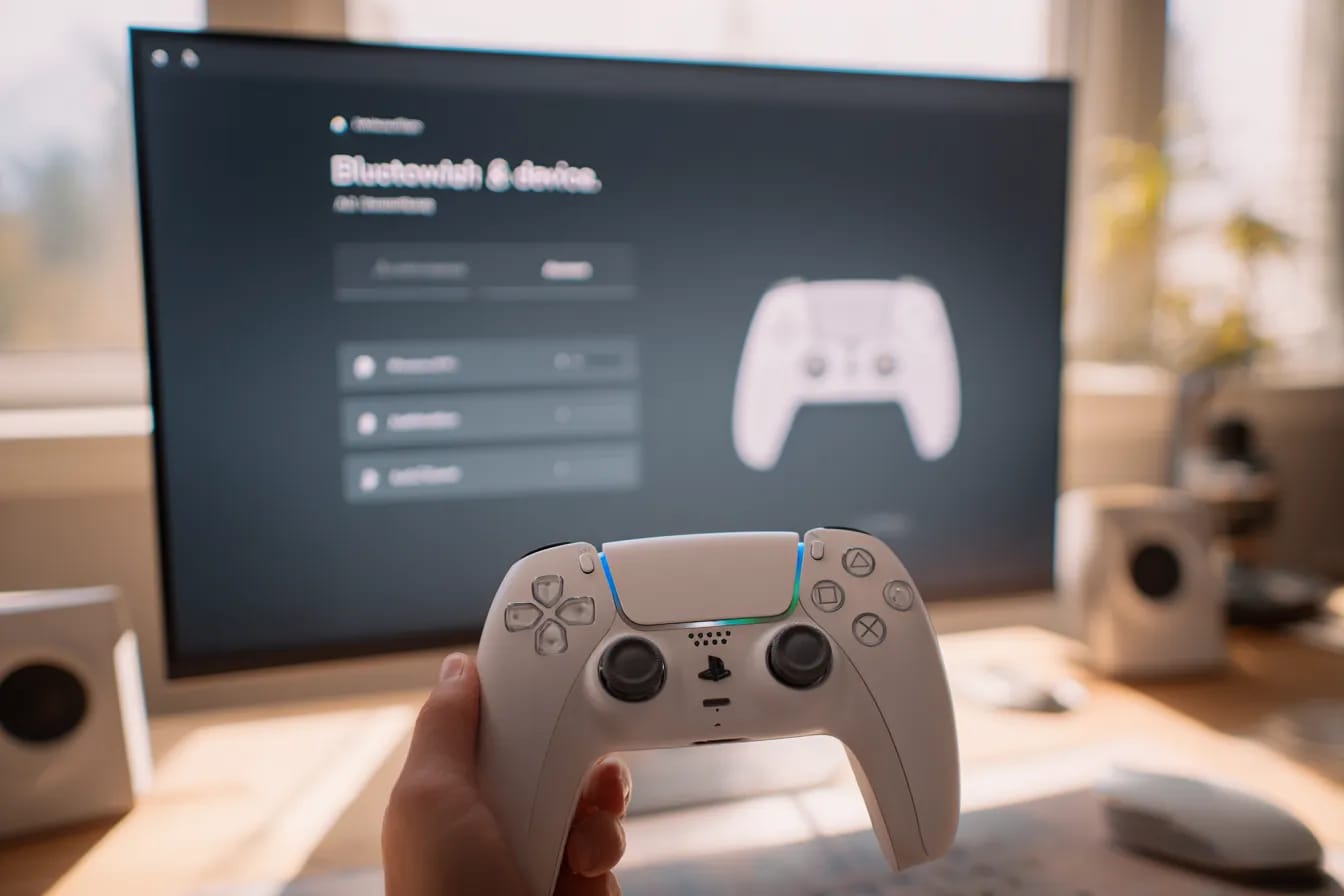
If you already own a PS5, your DualSense can double be used as a PC gaming controller, The Setup is easy. Choose wired if you want the lowest delay, or Bluetooth if you want no cables.
What you need?
A USB-C cable (data-capable), or a PC with Bluetooth.
Steam installed (helps games recognize the controller).
Method 1: USB-C (simple and stable)
Plug the DualSense into your PC with a USB-C cable.
Windows will install what it needs on its own.
Open Steam → Settings → Controller.
Turn on PlayStation Controller Support.
That’s it. This gives you the least lag. Great for shooters, racing, or any game where timing matters.
Method 2: Bluetooth (wireless and tidy)
On Windows, open Settings → Bluetooth & devices → Add device → Bluetooth.
Put the controller in pairing mode: hold PS + Create together until the light bar pulses.
The Create button is the small one next to the touchpad on the left.
Click Wireless Controller when it appears.
Open Steam → Settings → Controller.
Turn on PlayStation Controller Support.
Will my games work?
Steam games: Yes. Steam maps the buttons so they make sense.
Non-Steam games: Add them to Steam (Games → Add a Non-Steam Game) and they usually work fine through Steam’s controller support.
Fancy features: Adaptive triggers and special haptics work only in some PC games. Normal rumble and all buttons work widely.
Quick fixes if something breaks
Controller not showing? Turn Bluetooth off and on, remove Wireless Controller, then pair again.
Connected but nothing happens? Press Win+R, type joy.cpl, open Game Controllers, select Wireless Controller → Properties, and press buttons to test.
Lag on Bluetooth? Sit closer to the PC, keep the adapter clear of metal/USB hubs, or just use USB-C.
Cable won’t detect? Use a better USB-C cable. Some only charge and don’t send data.
Hard reset: There’s a tiny hole on the back near L2. Press it with a pin for 5 seconds, then pair again.
One game still acts weird on Steam? Right-click the game → Properties → Controller → set to Enable Steam Input.


The Rentkar Journal is our official space for unofficial wisdom. Here you’ll find guides, tips, and stories on everything from gaming consoles to cameras — all from the perspective of people who believe owning is overrated. Whether you’re here to learn, laugh, or find your next rental, this is where smart living gets documented.